×
Welcome to Wrecks Music!
Here is a quick guide on how to get the most out of our platform:
1. Sign Up & Get Your Profile
Click the "Login / Sign Up" button at the top. Enter your email and pick a password. We'll ask you to create a Social Name which is how you will appear to other fans on the community boards!
2. Earn Free Credits
Credits are our site's currency used to download premium albums and apps. You can earn free credits by:
- Commenting: You get 1 FREE Credit the first time you leave a comment on any song in the Community tab!
If you don't want to wait, you can always buy credits directly by clicking Get Credits.
3. Download Albums & Programs
Browse the store grid. Free items have a "Free Download" button. Premium items will show their credit cost. Click "Buy" to use your credits and instantly download the .zip file containing the high-quality MP3s or programs.
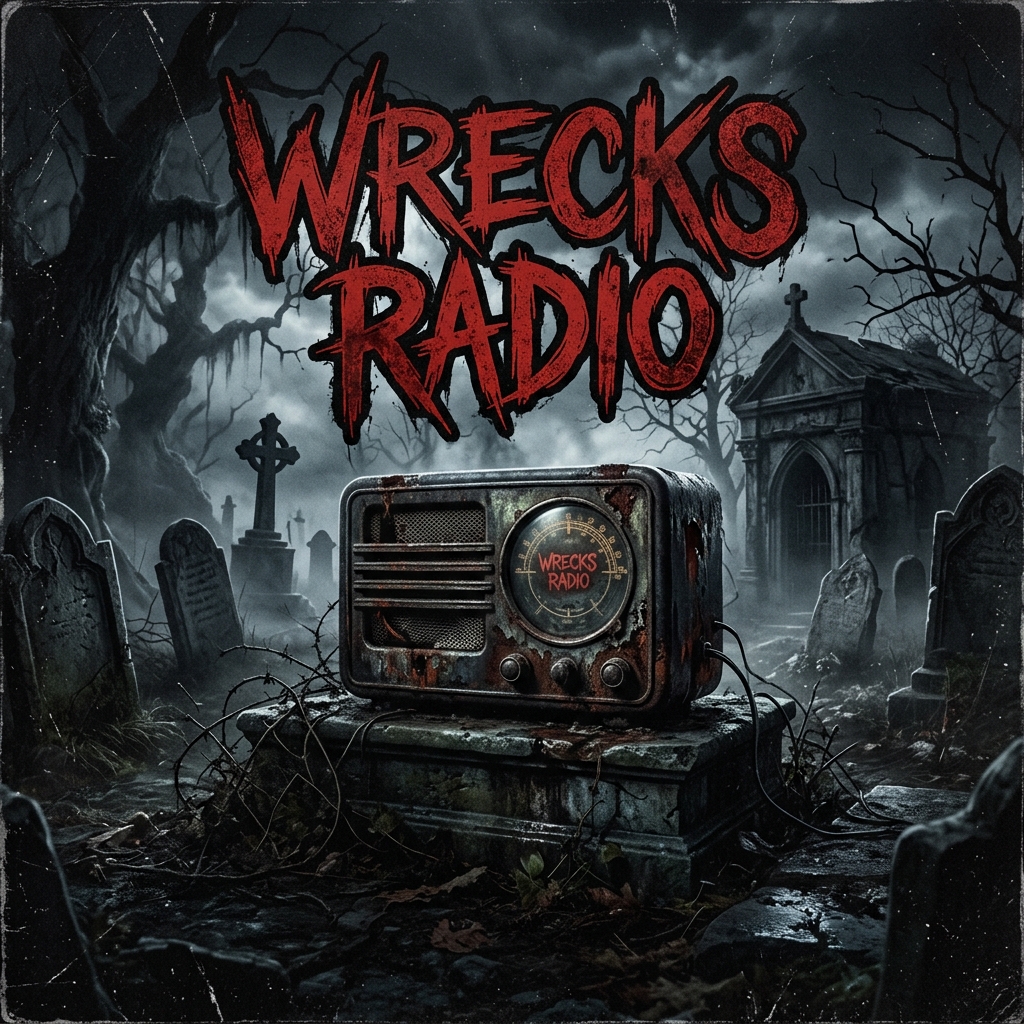
4. Install Wrecks Radio
The Wrecks Radio App is a free standalone player that streams 24/7. When you click Free Download on it, a guide will pop up showing you how to install it directly to your phone's home screen as a real app (using "Add to Home Screen"). The radio playlist is dynamically sorted based on which songs have the most ❤️ likes in the Community tab, so vote for your favorites!
Enjoy the music and welcome to the community!